
Finish payment before your reservation expires
Understand the temporary payment reservation, resume checkout and recover from an expired or uncertain payment.
All player guides and FAQs · Clubs & organizers
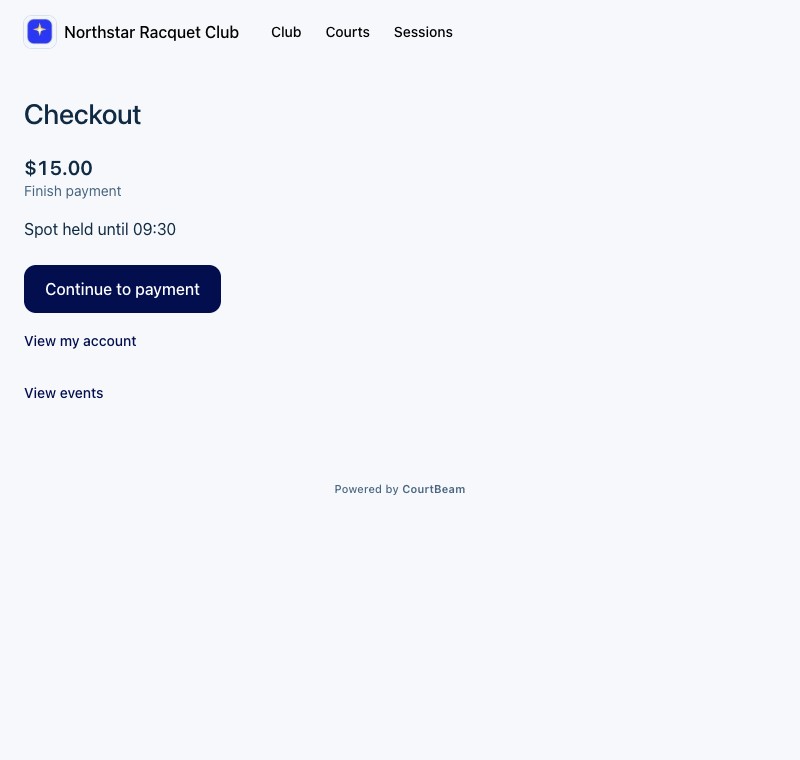
Your place is reserved temporarily
An online court booking or session registration can reserve your place temporarily while you complete checkout. Follow the deadline shown for that reservation. Leaving checkout does not complete payment, and restarting payment does not give you a new reservation window.
The standard checkout reservation is 30 minutes. The actual deadline shown for your booking or registration takes priority; do not calculate a new deadline from when you reopened the page. This is time to finish payment, not the duration of your court booking.
Membership checkout and waitlist offers have their own expiry rules. Use the deadline and action shown in those flows.
Resume an unfinished payment
- 1
Return to the same club and account. Open the pending activity in Schedule or the session, or return to its checkout status page.
- 2
Check the latest status and reservation deadline.
- 3
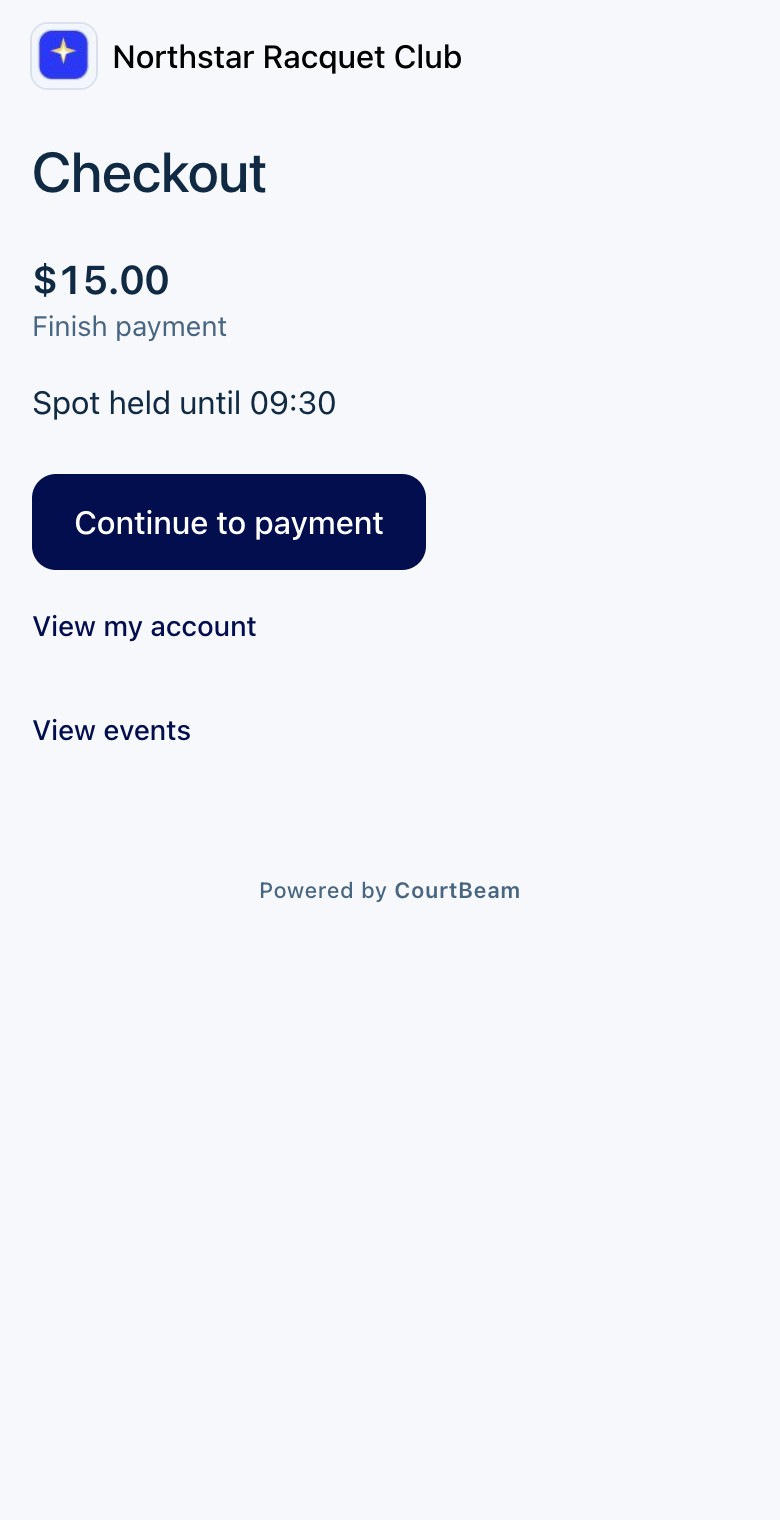
Use Continue payment or Continue to payment when offered to reopen the existing checkout.
- 4
Complete the payment provider’s verification steps, then return to CourtBeam.
- 5
Check that the booking or registration is confirmed. If it says Payment processing or Check payment status, allow the status to update before attempting another purchase.

Expired, declined or interrupted checkout
When an unpaid reservation expires, the place is released. Check its latest status first; if it has expired, return to the court or session and try again if a place is available. A place is not guaranteed after expiry.
If your card is declined while the reservation is still active, follow the checkout’s retry instructions. Retrying does not extend the reservation. If payment appears to have succeeded but the reservation is not confirmed, contact the club with the payment reference instead of paying again.
If CourtBeam shows Refund pending or Registration not completed after money was received, check the payment status and contact the club. Do not assume that a successful card payment guarantees a place when registration could not be completed.
A pending bank charge is different
A temporary reservation holds a place in CourtBeam. A card authorization holds funds at your bank and may appear as pending. Neither a bank’s pending entry nor a checkout return page, by itself, proves that your booking is confirmed.
Some court policies authorize a card to cover the booking’s cancellation terms. Read the displayed payment terms to distinguish an authorization from an immediate charge. Your bank controls how an authorization appears and when a released hold disappears.
Ask your club about bookings, membership rules or refunds. Contact CourtBeam for an account or app problem.